How It Works

Sell Yoto Cards
Sell Yoto Cards
Download our app for faster selling!


The Easy Way to Sell Yoto Cards
Yoto Cards offer all sorts of learning fun, from stories and songs to math and meditation. But how valuable are they when they’re not in use? Don’t let unused Yoto Cards go to waste; sell them for quick cash!
Why Sell Your Yoto Cards?
Bored of the same stories, songs, and activities on repeat? If your child's interests have changed or they're tired of their Yoto Cards, sell them to make cash for new ones. More reasons to sell:
- Earn Cash: Your Yoto Card/s could fetch more than you expect.
- Declutter: Clear space for new toys and Yoto Cards.
- Eco-Friendly: Give Yoto Card/s a second life instead of tossing them.
- Share the Fun: Spread the joy of stories and songs.
Tidy up, earn extra cash, and help the planet.
Why Sell Your Yoto Cards?
Sell Your Yoto Cards to Us
Sell Your Yoto Cards to Us
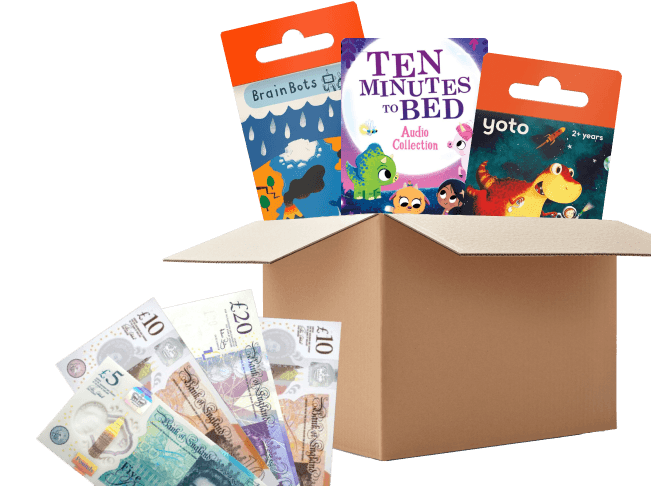
How much are your Yoto Cards worth? Find out today with our simple selling process and guaranteed competitive prices.
- Find Your Yoto Card/s: Use our catalogue to locate the Yoto Cards you want to sell.
- Check offer prices: Each Yoto Card's price is listed, so you can check before adding it to your selling basket.
- Click ‘Sell This Item’: Add selected items to your basket.
- Get an Instant Price Quote: Click your basket to view your offered price, and any discounts applied.
- Easy Shipping: Pack and drop off your Yoto Card/s at an parcel point or choose FREE home collection.
- Fast Payment: Select bank transfer or PayPal and receive funds the day after we receive your Yoto Cards.
So far this year, our customers have made an average of £24.94* by selling their items to
The Best Place to Sell Your Yoto Cards
Looking to sell your Yoto Cards hassle-free and for the best prices? We're the top choice for selling your Yoto Cards. Here’s why:
-
 High Payouts: Turn your Yoto Card/s into cash and receive top prices.
-
Immediate Payment: Once your Yoto Card/s are received and verified, payment is processed the following day.
-
Free Shipping: We provide shipping labels and all necessary instructions, for easy selling.
-
Expert Appraisal: Get a competitive price for your Yoto Card/s with our expert appraisal.
The Best Place to Sell Your Yoto Cards

Helpful guides and advice on selling your books
Want to know how to get more bang for your book? Looking for our item condition guidelines? Then you're in the right place


Frequently asked questions
View all FAQsYoto is suitable for children aged 3 and up, but its appeal spans across different ages. With a wide range of stories, music, and educational content, Yoto offers entertainment and learning for kids of all ages. Its intuitive design and kid-friendly features make it perfect for children at every stage of development.
Spread the fun of Yoto Cards with others! They can effortlessly enjoy your old Yoto Card on their own Yoto Player, Yoto Mini, or simply tap it on their phone. Afterwards, the card will be removed from your library and added to theirs. Got Yoto Cards to sell? Use our catalogue to get started.
Yes, you can sell your Yoto Cards! We offer competitive prices on all Yoto Cards. Whether you're looking to declutter your collection, upgrade to new cards, or simply make some extra cash, we make the selling process easy and rewarding. Turn your unused cards into cash today by using our catalogue
To remove a Yoto Card from your library, follow these simple steps:
- Open the Yoto app and navigate to My Library.
- Tap on the card you want to remove to view its details page.
- Tap the three dots menu on the right-hand side.
- Select "Remove from the app."
- Confirm that you want to remove it by tapping "Remove," or select "Cancel" if you've changed your mind.
 How It Works
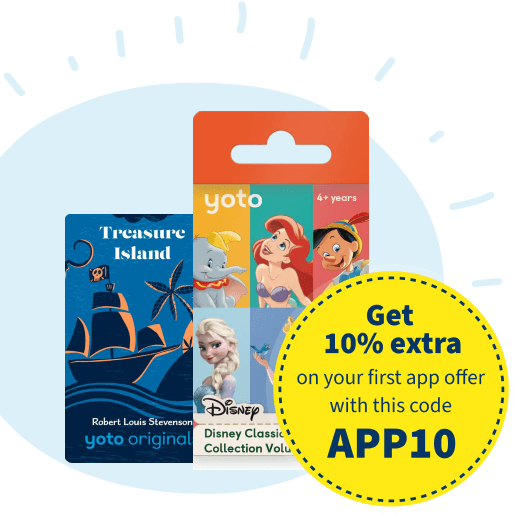
 Get 10% Extra